Layout Sizing
Element sizes are specified using width and height properties.
A size is one of three things: a "fixed size", an "auto size" that follows the
content, or a "weight" that claims a share of whatever space is left over.
Basic Size Specification
There are largely three patterns for size specification.
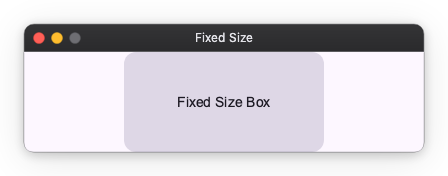
1. Fixed Size
The size is determined by the specified pixel value.
Specify a number like 100.
import nuiitivet.material as nv

nv.Card(
    width=200,   # Fix width to 200px
    height=100,  # Fix height to 100px
    child=nv.Text("Fixed Size Box"),
    padding=16,
    alignment="center",
)
2. Auto Size
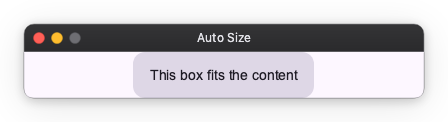
The size is determined according to the content.
Specify "auto".
# The box grows to fit the text size inside
nv.Card(
    width="auto",
    height="auto",
    child=nv.Text("This box fits the content"),
    padding=16,
    alignment="center",
)
3. Weight
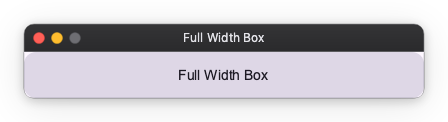
Claims a share of the space left over once the fixed and auto siblings have
taken theirs. Specify "wt" for a weight of 1, or "wt<n>" for anything else.
# Takes the whole remainder — there is no sibling to share it with
nv.Card(
    width="wt",
    child=nv.Text("Full Width Box"),
    padding=16,
    alignment="center",
)
When several children carry a weight, the remainder is split between them in proportion to their weights:
# The row's width, minus the 120px sidebar, is split 1 : 3
nv.Row([
    nv.Card(width=120, child=nv.Text("Sidebar")),
    nv.Card(width="wt", child=nv.Text("Narrow")),
    nv.Card(width="wt3", child=nv.Text("Wide")),
])